
Jefferson County Court Record Requests
First figure out which court handled the matter. County Court covers traffic, misdemeanors, and preliminary felony matters. It also handles small claims, probate, guardianship, conservatorship, adoption, and protection orders. Municipal ordinances belong there too. County-court juvenile records fall under it subject to limits. District Court handles general civil, domestic relations, district felony, protection-order, and administrative appeal records. Problem-solving and County Court appeal records sit there as well. Mandy Klipp serves as County Court Clerk Magistrate. Shawna Lindblad is the District Court clerk.
Several routes can locate a public case. Online JUSTICE is the fastest. The courthouse public terminal works as the on-site electronic fallback. You can also ask at the clerk counter, call County Court at (402) 729-6801 or District Court at (402) 729-6807, submit a specific copy request using CC 3:29, or take the formal Nebraska Public Records Act route for a broader public-record request. Both clerk counters sit at 411 4th Street, Fairbury.
- Identify the court, case number, case name, and exact document or date needed.
- Use JUSTICE or the courthouse terminal to verify the public case record.
- Send CC 3:29 to the clerk responsible for the case and select a delivery product.
- Prepay the listed charge and include destination and contact information.
- Ask the clerk whether the document is public, sealed, confidential, destroyed, or not yet imaged.
Jefferson posts no universal email, mail, fax, drop-box, payment, or turnaround rule for ordinary copy requests. Ask the responsible clerk which intake method to use.
Jefferson County Court Copy Requests
Nebraska Form CC 3:29 is the documented route for file copies and certified copies. It asks for the court and county. You also supply the exact case number, the case name, the requested document name, and its date. Requester information, destination, request date, signature, and delivery selection complete it. Attorney requests add a bar-number field. Costs must be prepaid, per the form. It sets no fixed Jefferson turnaround time and no universal submission channel.
The Judicial Branch certified-copy request page shows the form. It also gives filing details behind this Jefferson County court case records process.
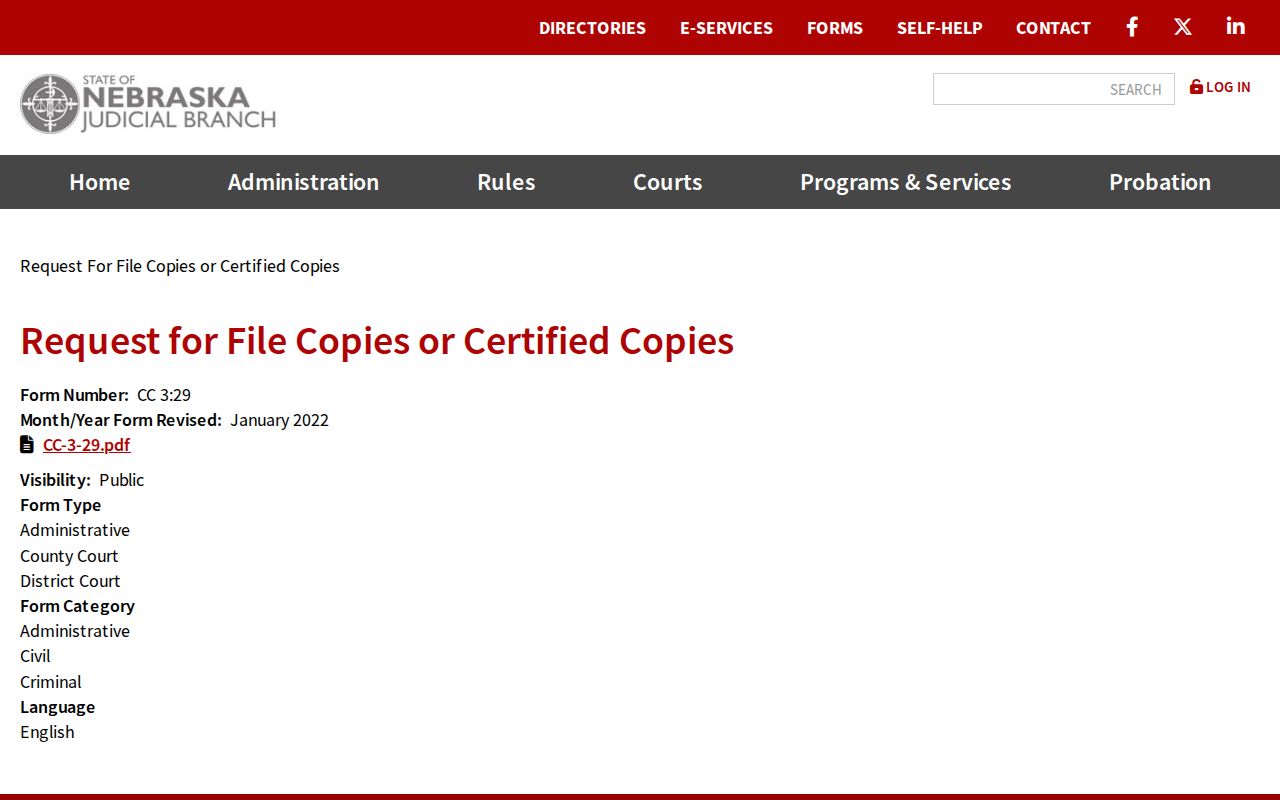
Requests go smoothest when you bring the correct court, the complete case number, the document name, and its date. A general description of the file slows things down.
Kinds of Court Records
A Jefferson court record can mean several different products. An index or search result simply identifies a case. A case summary adds public category, party, judge, status, and similar fields. The Register of Actions is the chronological docket, and a calendar shows a scheduled matter. A document image may display a public complaint, petition, answer, motion, notice, order, judgment, decree, or charging paper. A clerk-certified copy is the authenticated official record.
These products are not interchangeable. A screen view is not automatically an official record. A plain emailed PDF is not automatically certified. A County Court audio file is not the official court record, and a transcript has its own request process. Pick the product that answers your actual records question before you place a request.
| Record layer | What it does | Where to start |
|---|---|---|
| JUSTICE result | Finds a public matching case | Statewide one-time search or subscriber route |
| Register of Actions | Lists chronological case events | Public case details, terminal, or clerk |
| Document image | Shows an eligible public filed paper | Case details or CC 3:29 request |
| Certified copy | Provides clerk authentication | Responsible clerk using CC 3:29 |
Court Records: What They Contain
What a record holds depends on the layer and the case type. A case summary may show caption, court, case number, party type, judge, status, and public category. The Register of Actions can list filings, notices, hearings, orders, judgments, payments, appeals, and transmissions. A calendar entry centers on the setting's date, time, location, caption, and description. A filed image gives the text of an eligible public paper. A certified copy adds the clerk's authentication.
| Case identification | Court, county, case number, caption, and case type. |
|---|---|
| Parties and attorneys | Public party type, represented party, and attorney fields when available. |
| ROA history | Chronological events, including filings, settings, orders, and judgments. |
| Financial history | Public costs, payments, balance, satisfaction, or similar entries when recorded. |
| Images and copies | Eligible public images or a clerk-provided paper or electronic copy. |
Availability depends on public-access rules, image availability, sealing, confidentiality, and retention. A blank image link never proves the clerk has no record.
Jefferson County Court Record Layers
The ROA, a document image, and a certified copy each do a different job. The ROA tells what happened and when. A document image can show the wording of a public filing. When a court or agency needs a verified copy, the clerk produces a certified one. JUSTICE can lead you to the first two public layers.
The public service has limits, though. Images are described as available for eligible filings uploaded after April 16, 2008. Older papers and some current documents may need a clerk request. Jefferson has no separate local portal that replaces the statewide system. The page on typed transcripts and County Court digital audio covers another record product. It has its own distinct request.
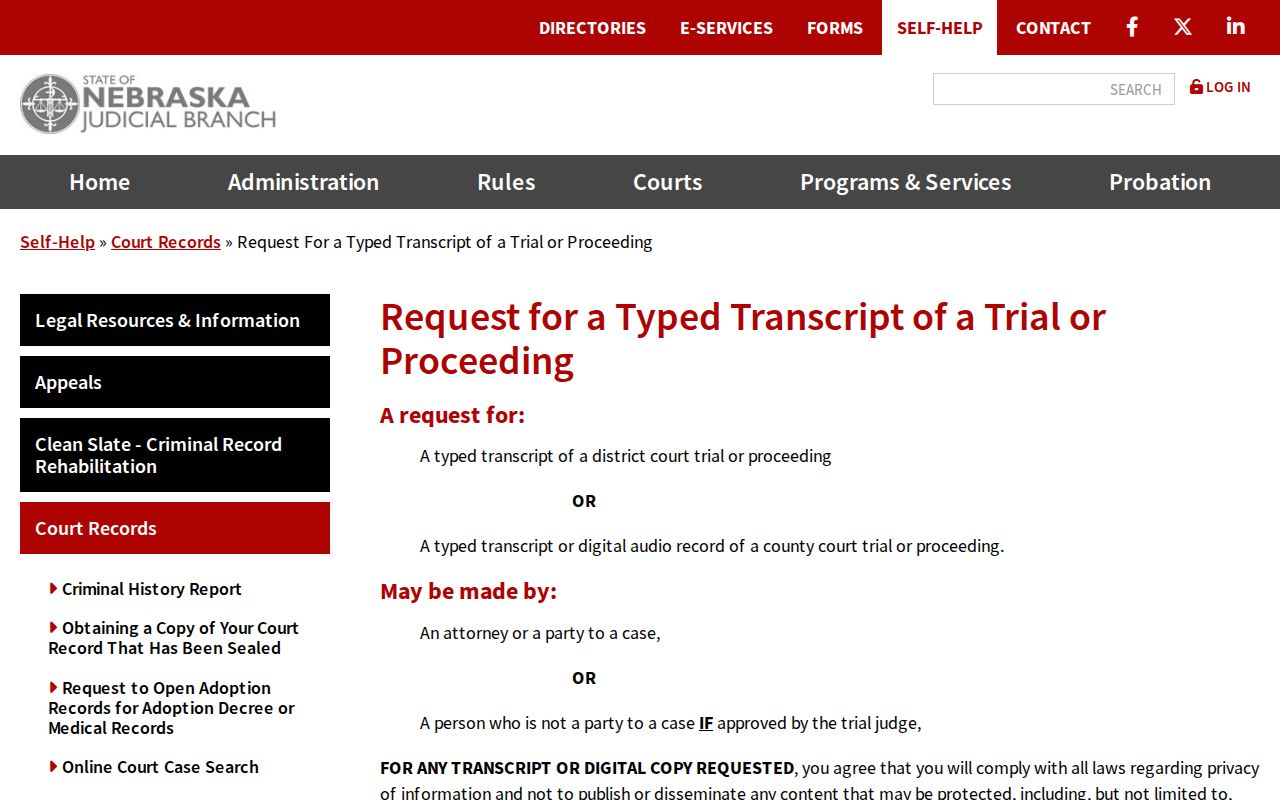
Transcript and audio products can explain a proceeding. They still do not replace the certified Register of Actions, judgment, or filed document.
Copy Fees and Certification
CC 3:29 lists the delivery and certification choices documented for Jefferson requests. The form's selected cost must be prepaid. A clerk may need to calculate unusual products. No exemplified-copy fee, District Court docket-sheet-specific fee, or counter search fee is published, so confirm those costs directly with the clerk rather than guessing.
| Requested product | Listed charge |
|---|---|
| Emailed noncertified copy | $0 |
| Mailed noncertified copy | $0.25 per page |
| Emailed certified copy | $1 per request |
| Mailed certified copy | $1 per seal plus $0.25 per page |
| County Court digital audio | $5 per hearing by email, plus $5 per storage device when selected |
Put the cost choice on the form along with the record details. Confirm payment method and electronic submission acceptance with the Jefferson clerk who maintains the case.
Jefferson County Older Court Records
Searching only the first page of online results may miss older Jefferson County court records. JUSTICE arrived in stages here. Criminal and traffic cases went online in September 1996. District Court followed in November 1996. Probate and adoption joined in May 1998. Civil and small claims came aboard in October 1999, with juvenile cases added in January 2000. The official installation page cautions that material predating those dates may or may not appear online. For anything earlier, the responsible clerk may still hold paper docket books, microfilm, or archived files.
Retention rules matter too. County Court records follow Schedule 18, and District Court records follow Schedule 8. A record destroyed under its schedule is gone. The clerk cannot supply it and will not issue a no-record-found certificate, per the county destroyed-records form. When you write to the clerk, name the likely year, the court, and the case type. That way the correct source gets checked.
Jefferson County Transcript Records
A typed District Court transcript comes through the official court-reporting process, not the clerk's counter. A party or counsel can request one. A nonparty may need the trial judge's approval first. Estimate and prepayment rules apply. County Court works differently: its digital audio is a copy of a hearing, and the request form asks for the court, case, judge, courtroom, hearing date and time, whether you need a portion or the full hearing, and an email or storage-device choice. For District Court details, see the District Court typed-transcript information page, which shows the request steps for Jefferson County court case records.
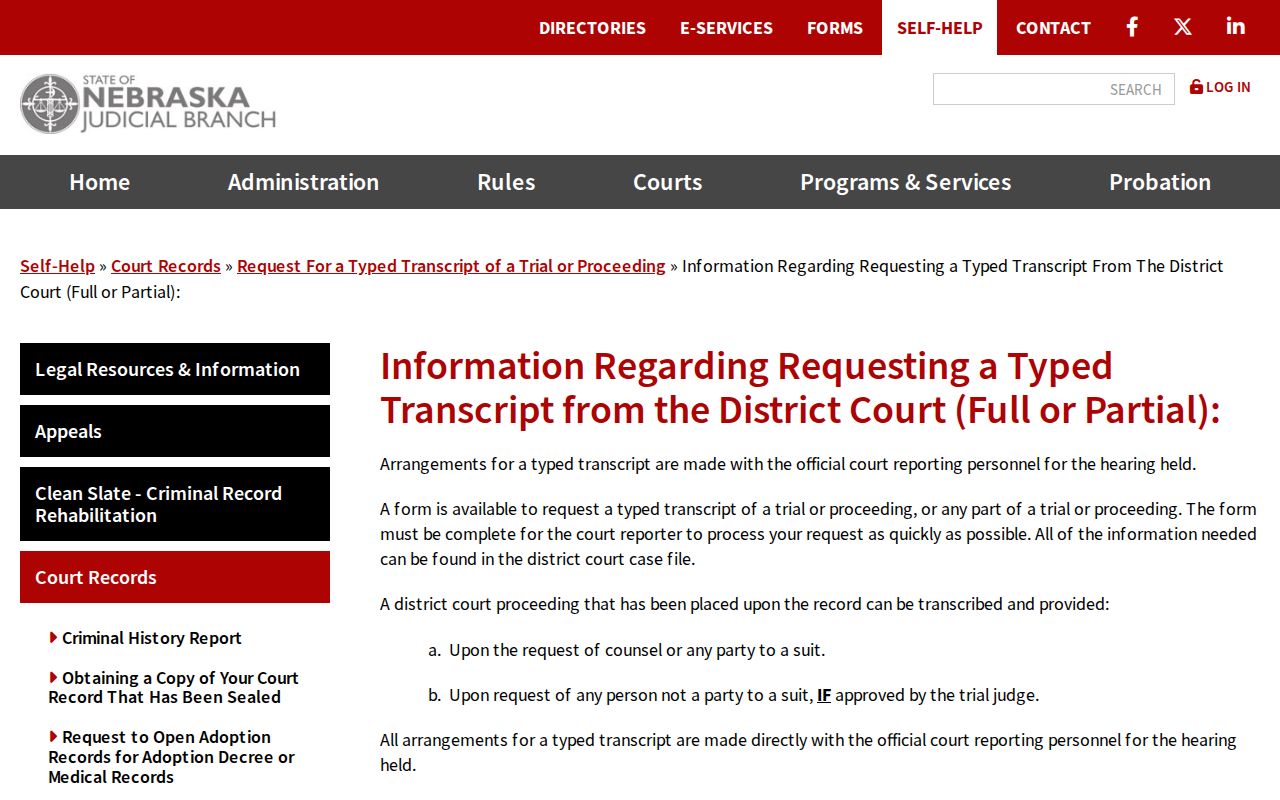
This transcript route is not the same as ordering a docket printout or a certified copy. Also note that a County Court audio file is expressly not the official court record.
Access Rules for Court Records
Electronic court records open to the public can cover a lot. Party indexes, case summaries, Registers of Actions, and available images all fit that category. Calendars fit too, along with summary judgments, orders, and decrees. Nebraska Ct. R. §1-805 governs it. Anyone can inspect nonconfidential electronic records at a clerk terminal or the State Library under §2-215. The Nebraska Public Records Act adds a right to inspect and copy public records during business hours. That right is subject to exceptions.
Access boundaries:
Nebraska Ct. R. §1-805 identifies public electronic case information subject to restrictions.
Neb. Rev. Stat. §84-712 provides the Nebraska Public Records Act inspection and copy route.
Nebraska Ct. R. §2-215 addresses public inspection of nonconfidential electronic records.
Formal Public Records Act requests get forwarded to the State Court Administrator, under the court-record search policy. The court posts no local tracking number for such requests. Nor does it publish a deadline chart or appeal workflow for court-record requests.
Jefferson County Sealed Court Records
Not every closed file works like a normal public-record request. Some files sit outside that routine. Sealed adult events, juvenile case files, confidential civil data, and records restricted by law or court order belong on that list. A person named in a sealed record can still seek a copy. The relevant court process makes that possible. Form DC 1:12 asks for the case number, the requesting person, the recipient, and the documents or file wanted. It also asks for a payment choice, a delivery choice, valid identification, verification or notarization, and contact information. It is not a general public search form. The sealed-record release page spells out this process for Jefferson County court case records.
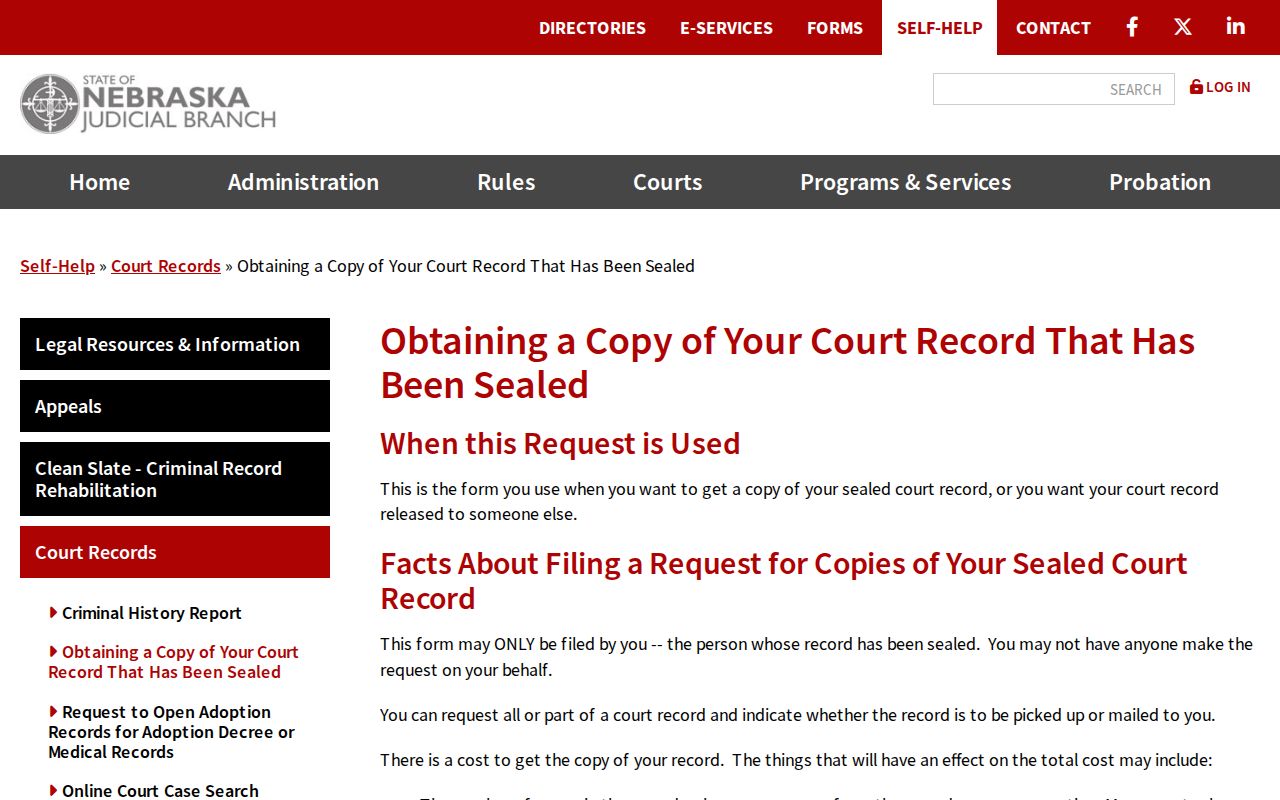
Whether a file is open to the public and whether a subject wins a court-approved release are two separate questions. Ask the Jefferson County court clerk which process fits the file you have identified. If your first step is really finding the court and case number, start with the county's Jefferson docket search information.